/
Productivity
10 Best Miro Alternatives & Competitors in 2026

Miro has long been the go-to platform for visual collaboration, famous for its infinite canvas, real-time collaboration, and vast template library. It has powered countless workshops, design sprints, and brainstorming sessions for years.
However, in 2026, team needs have evolved.
Organizations now demand faster workflows, deeper integrations, more flexible pricing, and tools perfectly tailored to their specific way of working. Which is why teams are actively looking beyond Miro for alternatives, whether they need a lightweight canvas, advanced diagramming, or a seamless path from idea to execution
The right Miro alternative can elevate clarity, reduce tool fatigue, and improve productivity across your team.
Below are the 10 strongest Miro alternatives in 2026 reviewed by strengths, ideal use cases, and standardized pricing.
Why Teams Look for a Miro Alternative in 2026
As organizations grow, they quickly realize that collaboration is not universal. Different teams need different ways of thinking, documenting, and turning ideas into action.
The most common reasons teams explore Miro alternatives include:
Rising Per User Costs: As companies scale, Miro’s pricing becomes harder to justify.
Feature Overload: Some teams want something simpler, faster, and distraction-free.
Need for Deeper Integrations:
Design teams want Figma-level alignment.
Technical teams want diagrams that sync with workflow tools.
Operations teams want structure.
Workflow Misalignment: Brainstorming is only step one. Many teams want whiteboards that tie directly into tasks, projects, or documentation.
Preference for Existing Ecosystems: Teams already invested in Microsoft 365 or Git-based workflows prefer collaboration tools that fit naturally into their existing stack.
Ultimately, one tool cannot fit all, and the best choice depends on your team’s style, structure, and goals.
List of the 10 Best Miro Alternatives in 2026
1. FigJam
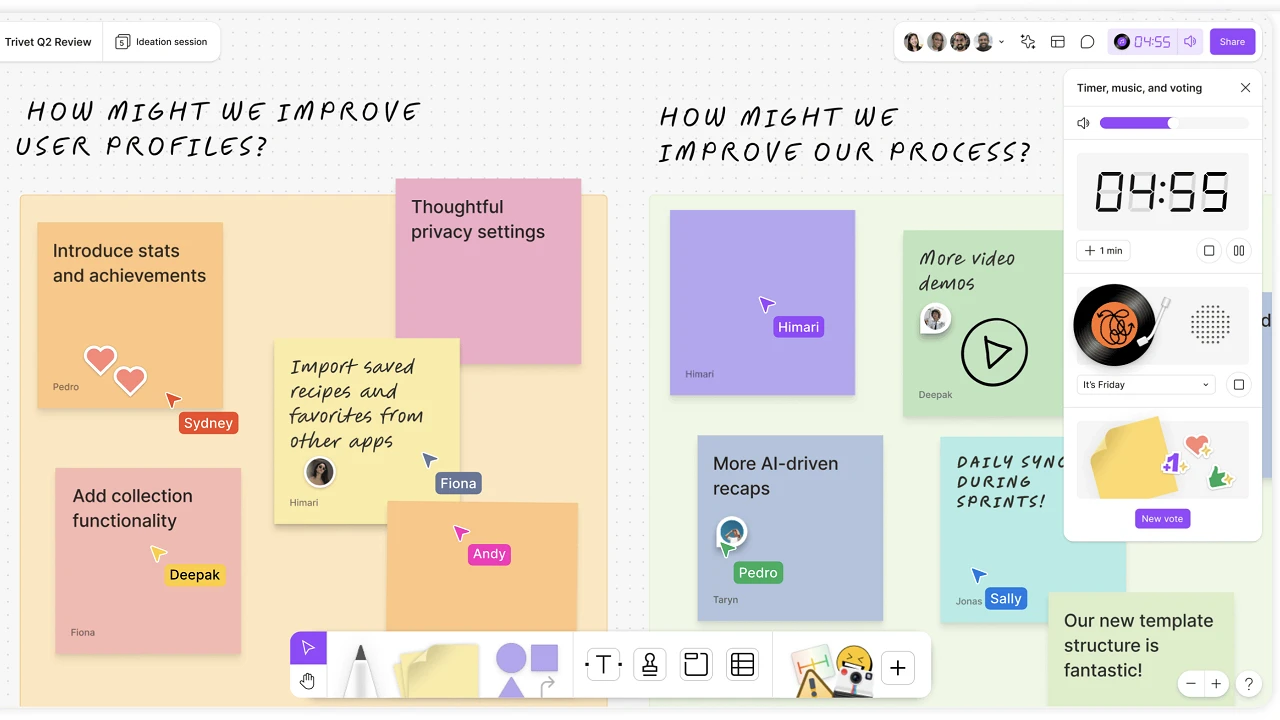
FigJam is Figma’s whiteboard tool built for playful, fast, and intuitive ideation. It is perfect for design teams that want to brainstorm, map flows, and ideate inside the same ecosystem where they build final designs. The transition from FigJam sketches to Figma designs is seamless and efficient.
Key Features:
Real-time collaboration with widgets and reactions
Deep Figma integration
Excellent UX templates
Best For:
Design, product, and UX teams.
Pricing:
Free plan available. Paid plans start from $5 per user/month (billed annually).
2. MURAL
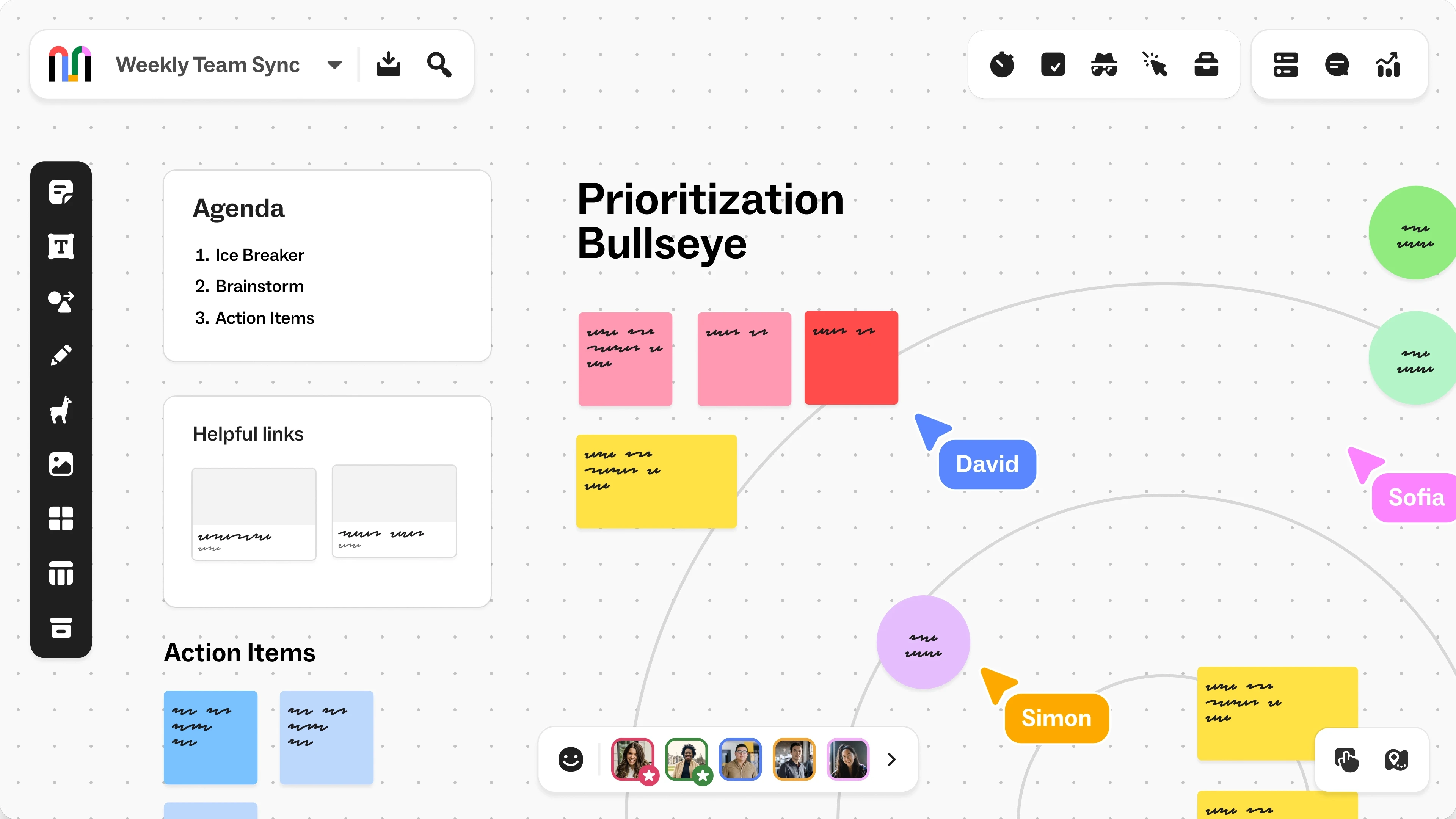
MURAL is built for structured, guided collaboration. It excels in workshops, retrospectives, strategic exercises, and enterprise-level facilitation. Its strong admin controls and facilitation features make it a favorite among consultants and large organizations.
Key Features:
Facilitation tools including timers, voting, and private mode
Enterprise governance
Hundreds of guided templates
Best For:
Facilitators, consultants, and structured enterprise workshops.
Pricing:
Free Plan available. Team+ starts from $9.99 per user/month (billed annually).
3. Lucidspark
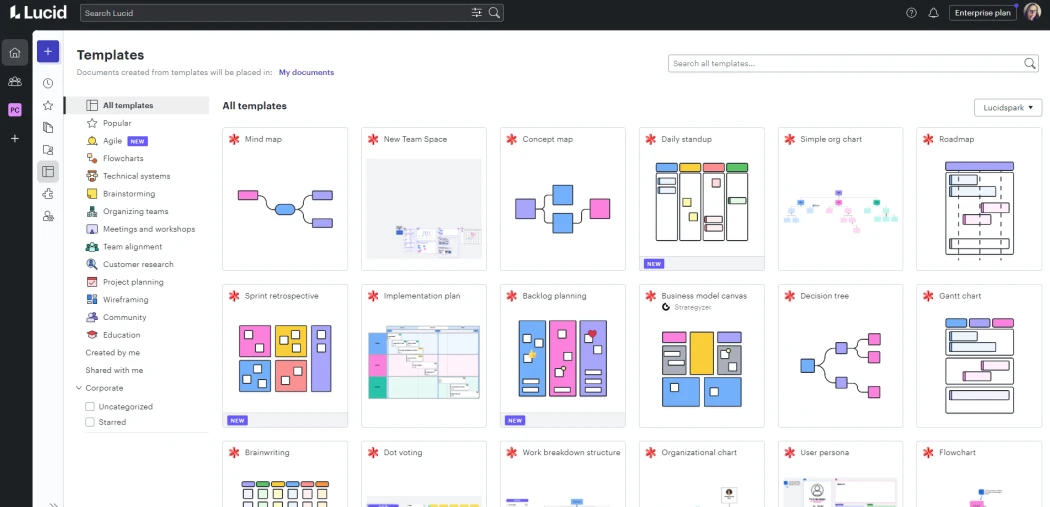
Lucidspark is part of the Lucid Suite and shines in technical and operational collaboration. It works hand-in-hand with Lucidchart, allowing teams to turn messy brainstorming into clean, structured diagrams.
Key Features:
AI-powered clustering and idea generation
Lucidchart sync
Jira and Slack integrations
Best For:
Engineering, technical teams, agile squads.
Pricing:
Free plan available. Team plan starts from $10 per user/month (billed annually).
4. Whimsical
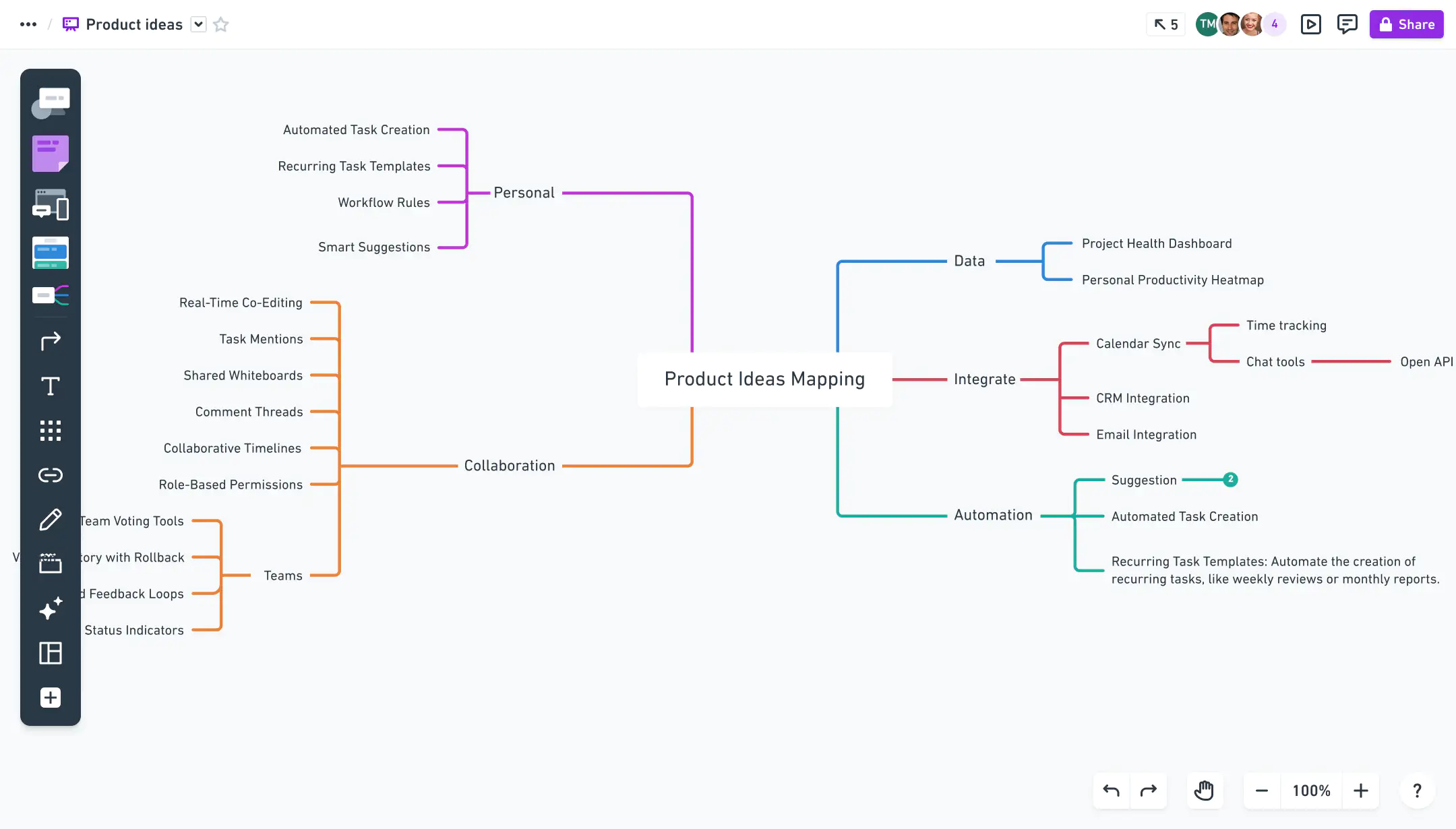
Whimsical is simple, fast, and beautifully minimal. It’s ideal for teams that want a clean canvas for quick diagrams, flows, mind maps, and early wireframes without distractions or heavy toolbars.
Key Features:
Instant flowcharts and diagrams
Zero-clutter interface
Shared libraries for fast collaboration
Best For:
Startups, fast-moving product teams, solo creators.
Pricing:
Free plan available. Pro plan is $10 per editor/month (billed annually).
5. Teamcamp
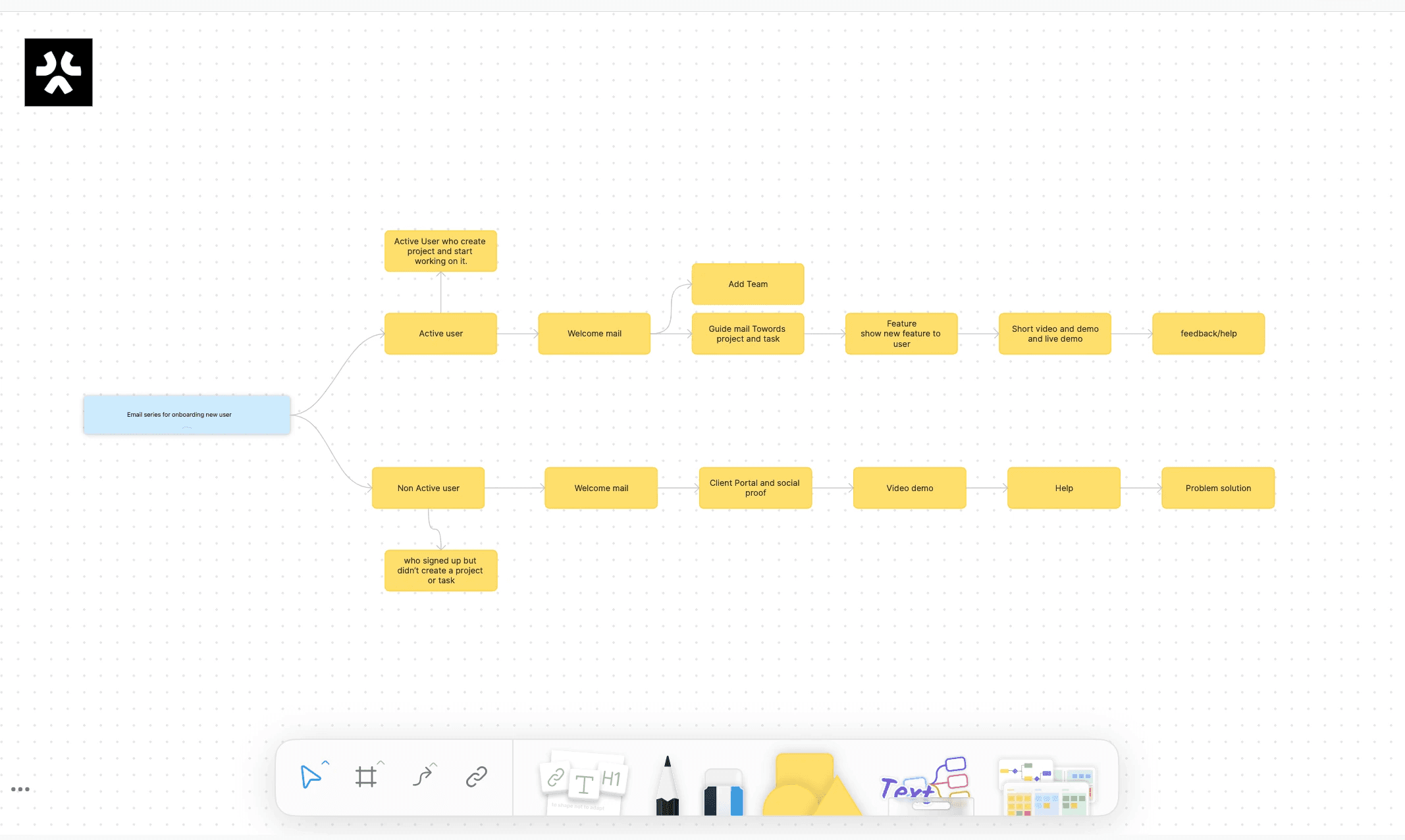
Tools like Miro are incredible for open-ended ideation, but they often create a disconnect. You have your "Plan" in one tool (Miro) and your "Actual Work" in another (Project Management). Bridging that gap usually requires a Project Manager to spend hours manually transcribing sticky notes into task lists.
Teamcamp solves this by putting the whiteboard right inside the project. It isn't trying to replace the infinite artistic canvas of Miro; it’s designed to be the practical workspace where planning turns into execution.
Why Agencies Choose Teamcamp over Miro:
Turn Noise into Action: The whiteboard is fully integrated with your task engine. When you identify a key requirement on a sticky note during a kickoff call, you can convert it into a Task immediately. This ensures that what was agreed upon in the meeting actually makes it into the sprint backlog—no copy-pasting required.
Keep the Context Alive: In most workflows, the wireframe or flowchart gets lost in a separate tab or folder. In Teamcamp, the whiteboard lives inside the specific Project tab. Your developers and designers can toggle between the "Visual Plan" (Whiteboard) and the "Execution List" (Tasks) instantly, keeping everyone aligned on the vision.
Consolidated Tool Stack: For many agencies, a whiteboard is a utility, not a lifestyle. Instead of managing separate subscriptions and user permissions for Miro, Teamcamp gives you a professional-grade diagramming tool included in your existing project workspace. It’s one less login for your team and your clients.
Verdict: If you need a specialized tool for complex workshops, Miro is great. But if you want a whiteboard that ensures your planning sessions actually result in tracked project progress, Teamcamp is the pragmatic choice.
Best for: Agencies that need to close the gap between "Brainstorming" and "Doing."
Pricing:
Free plan available. Pro Unlimited plan starts at $99/month with unlimited users or choose the small-team plan at $6/user/month (billed annually).
6. Mermaid
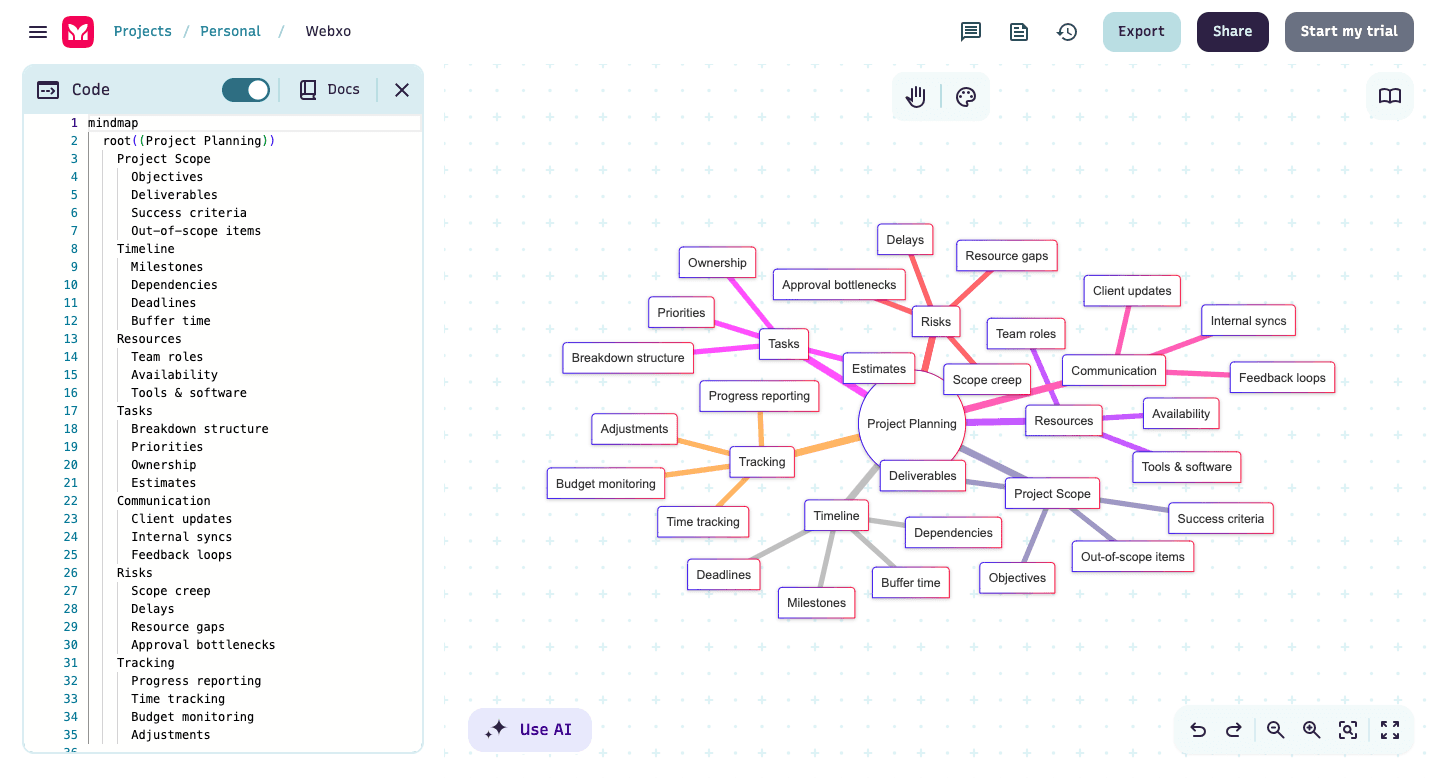
Mermaid is a text-based diagramming tool that lets developers create flowcharts, sequence diagrams, and architecture visuals using simple markdown-style syntax. Diagrams render automatically from text and can be version-controlled alongside code and documentation.
Key Features:
Diagram-as-code using simple text syntax
Supports flowcharts, sequence diagrams, ER diagrams, and architecture diagrams
Works seamlessly with Markdown, GitHub, GitLab, and documentation tools
Easy version control and collaboration through code repositories
Best For:
Developers, engineering teams, technical documentation, and teams that prefer diagrams tied directly to code.
Pricing:
Free to use (open-source). Mermaid Chart (hosted version) offers paid plans starting around $4 per user/month (billed annually).
7. Creately
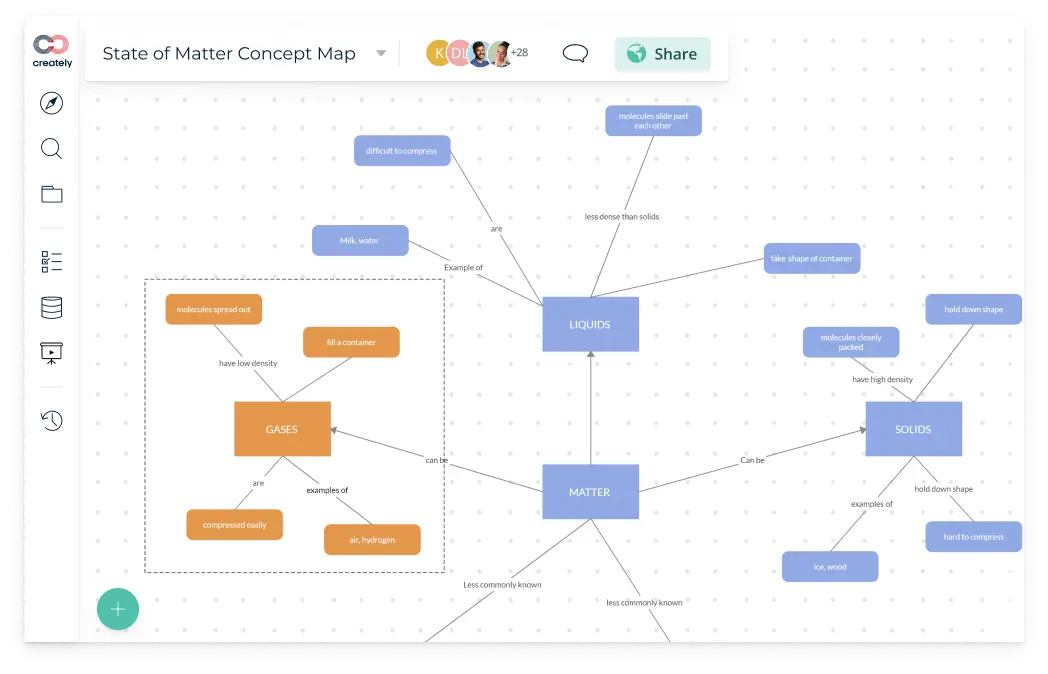
Creately specializes in structured diagramming and technical mapping. It supports over 70 diagram types and offers a strong hybrid between flowcharts, databases, and visual planning.
Key Features:
UML, ERD, and architecture diagrams
Multi-user editing
Large technical template library
Best For:
Engineering, operations, and system architecture teams.
Pricing:
Free plan available. Team plan is from $5 per user/month (billed annually).
8. Microsoft Whiteboard
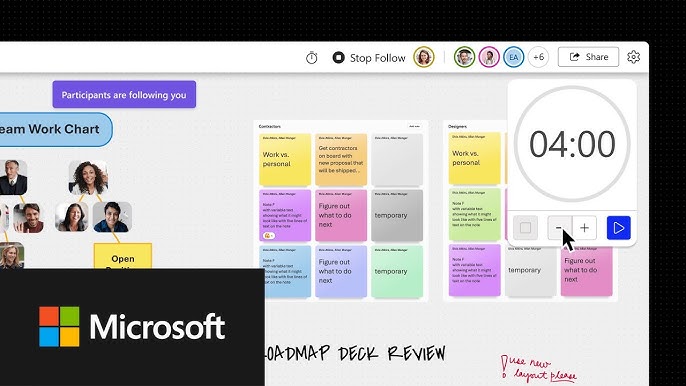
Microsoft Whiteboard is ideal for teams in the Microsoft 365 ecosystem. It integrates natively with Teams, OneDrive, and Office, offering a smooth and secure collaboration experience.
Key Features:
Enterprise-level security
Built into Microsoft Teams
Simple infinite canvas
Best For:
Microsoft 365 organizations.
Pricing:
Included with most Microsoft 365 subscriptions (no additional cost for the software).
9. Stormboard
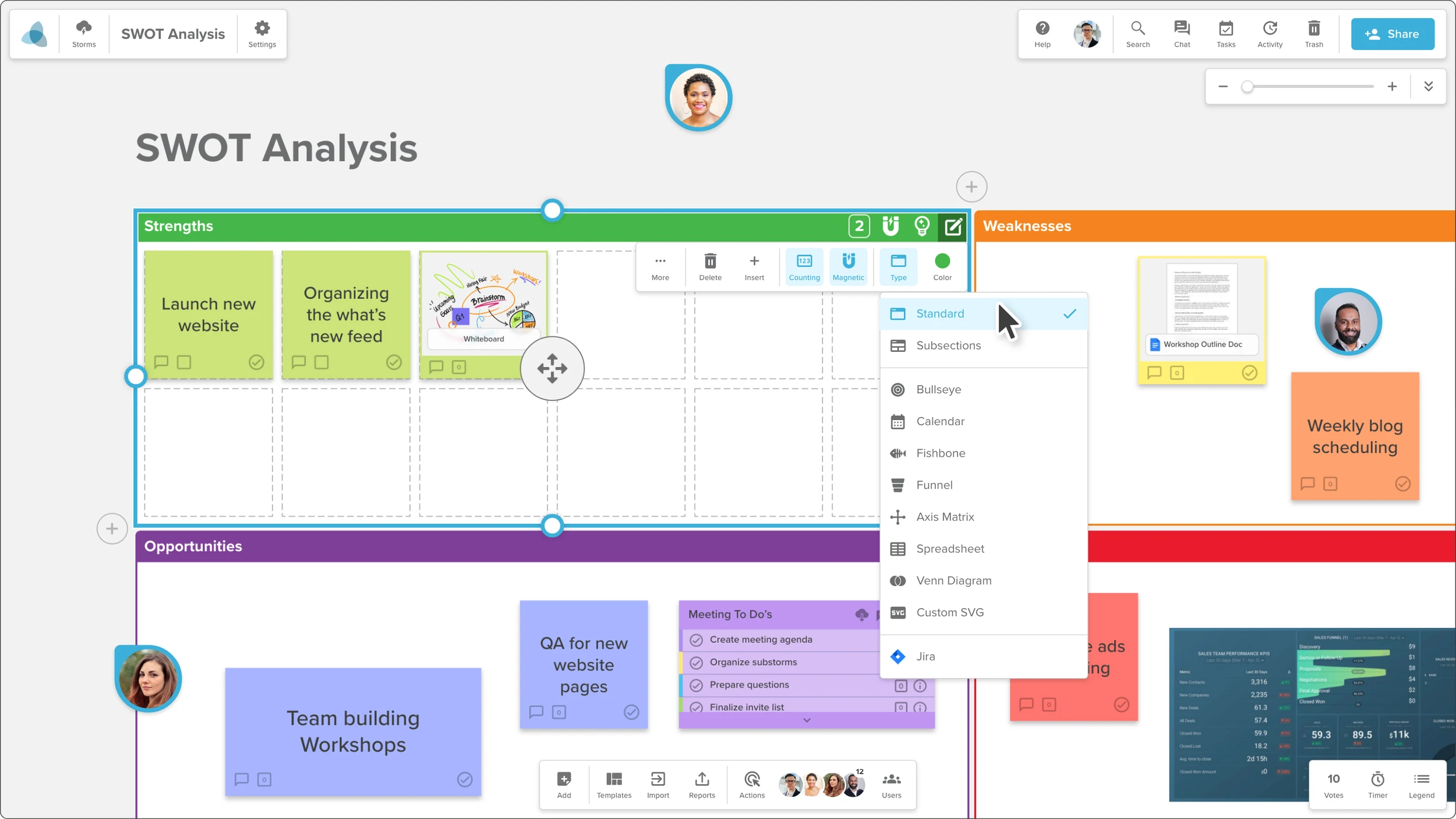
Stormboard is a sticky-note–driven online whiteboard built for fast ideation and structured brainstorming. It helps remote teams capture ideas, organize them visually, and turn sessions into actionable plans.
Key Features:
Digital sticky notes, index cards, and idea boards
Templates for brainstorming, retrospectives, and project planning
Real-time multi-user collaboration
Export boards to Excel, Word, and PowerPoint
Integrates with tools like Microsoft Teams, Slack, and Google Workspace
Best For:
Remote teams, workshop facilitators, brainstorming sessions, and planning meetings.
Pricing:
Free tier available (limited boards/sessions).
Business plan starts from $8.33 per user/month (billed annually).
10. Conceptboard
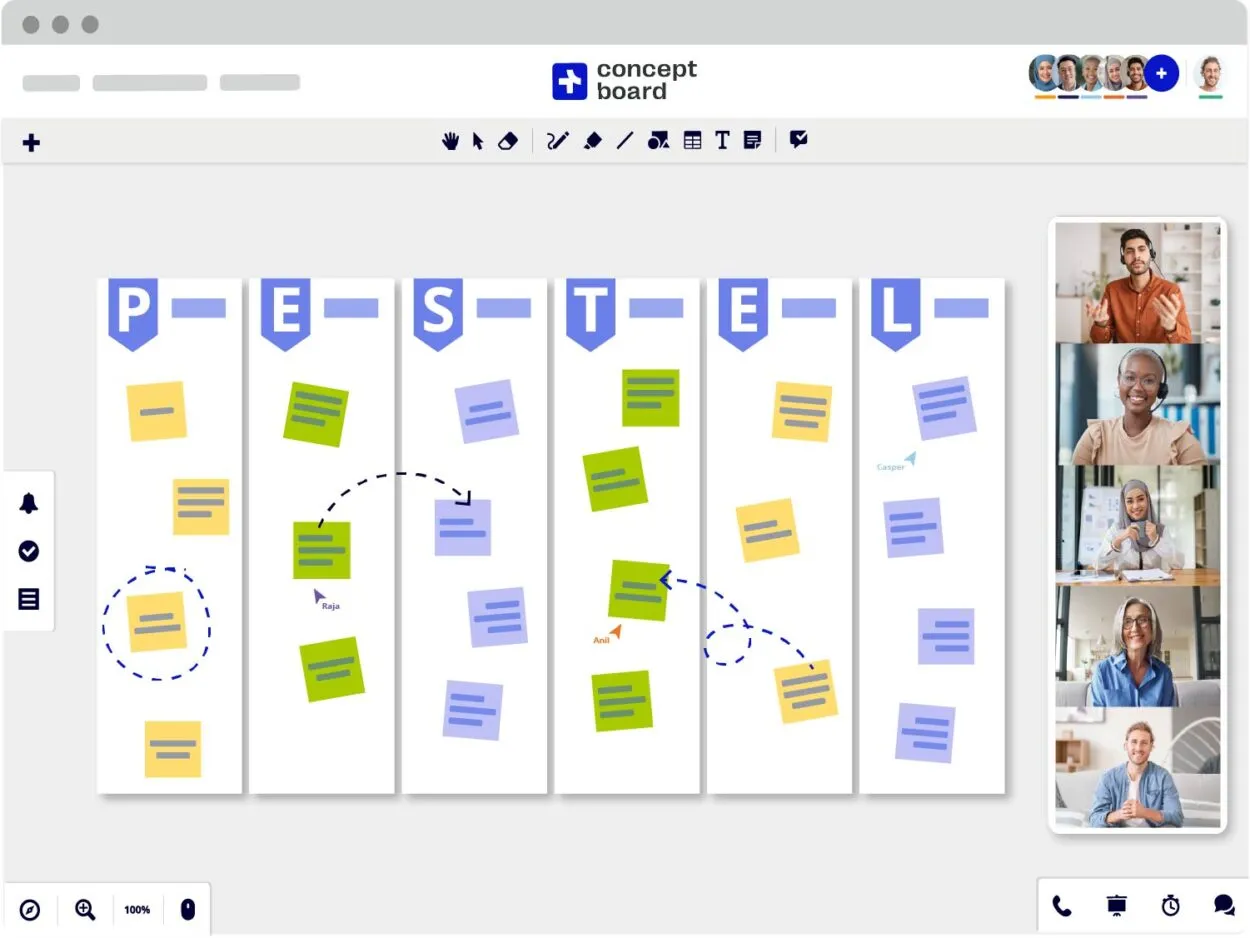
Conceptboard is a secure and reliable visual collaboration tool ideal for enterprise and compliance-focused teams. Its structured canvas and strong controls make it a dependable choice for large organizations.
Key Features:
Threaded comments and approvals
Enterprise permissions
GDPR-compliant environment
Best For:
Enterprise and security-focused teams.
Pricing:
Free plan available. Advanced plan starts from ≈$11.64 per user/month (billed annually).
Questions to Ask Before Choosing the Right Miro Alternative
Choosing the right tool depends entirely on how your team thinks and works. Here are the questions that matter most:
1. What type of collaboration do we do most often?
Design, workshops, technical diagrams, fast brainstorming, or project execution.
2. Do our ideas need to connect directly to tasks or projects?
If yes, choose a tool that supports ideation to execution such as Teamcamp.
3. Which ecosystem are we already invested in?
Figma, Microsoft, Google, or something else.
4. Do we want simple or advanced tools?
Lightweight → Whimsical
Structured → Lucidspark or Creately
Facilitated → MURAL
5. What is our budget and long-term scalability?
Per-user tools get expensive fast, so predictable pricing becomes essential for growing teams.
Comparison Table
Tool | Ideal For | What It's Best At | Pricing (Approx.) |
|---|---|---|---|
FigJam | Designers & product teams | Design-centered collaboration | From $5/user/month |
MURAL | Workshops & facilitation | Workshops & retrospectives | From $9.99/user/month |
Lucidspark | Technical & agile teams | Structured brainstorming | From $10/user/month |
Whimsical | Startups & fast ideation | Fast wireframing & mind maps | $10/editor/month |
Teamcamp | Agencies & service teams | Turning planning into execution inside projects | $99/mo (Flat) or $6/user |
Mermaid | Developers & Engineering teams | Diagrams-as-code & Tech docs | Free (OS) or from $4/user/month |
Creately | Engineers & ops | Process mapping & workflows | From $5/user/month |
MS Whiteboard | MS 365 organizations | Simple teamwork inside MS 365 | Included in 365 |
Stormboard | Structured brainstorming | Sticky-note driven reporting | From $8.33/user/month |
Conceptboard | Enterprise teams | Secure collaboration | From ≈$6/user/month |
Mini Buying Guide: Best Tool for Each Use Case
Best for design teams: FigJam
Best for workshop facilitators: MURAL
Best for engineering/technical mapping: Lucidspark or Creately
Best for fast-moving startups: Whimsical
Best for ecosystem users:
Microsoft → Microsoft Whiteboard
Figma → FigJam
Best for developer/technical docs: Mermaid
Best for planning-to-execution workflows: Teamcamp
Conclusion
Choosing the right Miro alternative is not about finding the most feature-packed tool. It is about selecting the platform that matches your team’s workflow, collaboration style, and ecosystem. Test a couple of options, see which feels natural, and pick the one your team enjoys using. That tool will truly improve collaboration and productivity.
Frequently Asked Questions (FAQ’s)
1. Is Miro still worth using in 2026?
Miro remains strong for teams needing a versatile digital whiteboard, especially for workshops and brainstorming. However, rising costs and evolving workflow needs make alternatives worth exploring.
2. What is the best Miro alternative for design teams?
FigJam is ideal for design teams, offering seamless integration with Figma, intuitive ideation, and UX-focused templates.
3. Which is the most affordable Miro alternative?
Whimsical and Creately offer free plans and cost-effective paid options, making them ideal for startups or small teams on a budget.
4. What tool is best if I want ideas to convert into tasks?
Tools like Teamcamp allow brainstorming to flow directly into tasks and projects, streamlining execution.
5. Which Miro alternative is best for large distributed teams?
MURAL and Conceptboard are well-suited for enterprise and distributed teams, offering structured collaboration, security, and real-time multi-user features.